Guide · For office staff & everyone else
Your drivers aren't the only ones who see things.
Anyone on the team who sets foot in a client location can log what they noticed. Two buttons, under a minute, routed to the right inbox. Screenshots below are the real product.
Logging a note: under a minute · any phone, no app install
- 1
Log in on any phone
Office staff, sales reps, techs — anyone on your team who visits clients gets a regular login. No device pairing needed; it works on their own phone in the browser.
- 2
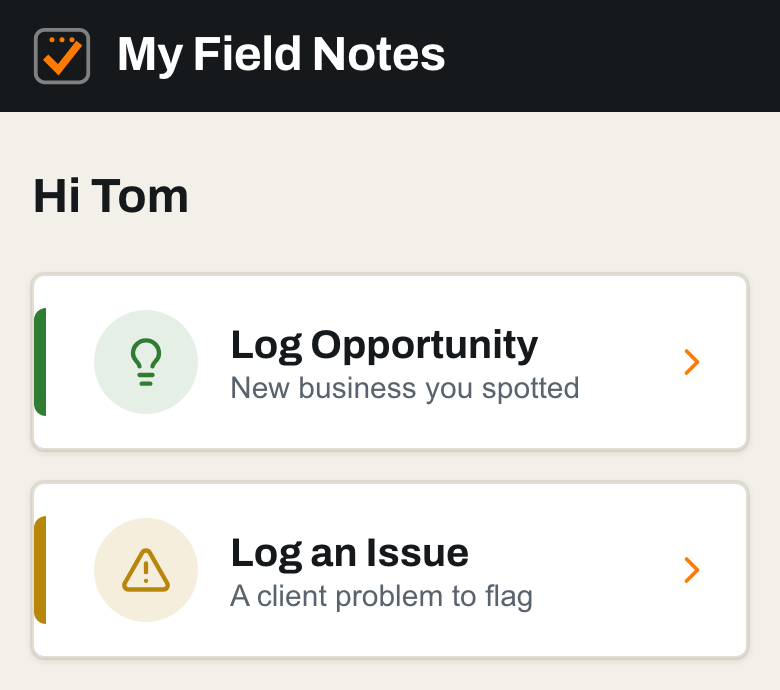
Two buttons
Opportunity or Issue. That is the whole home screen. The point is zero friction between noticing something at a client and getting it to the right person.
- 3
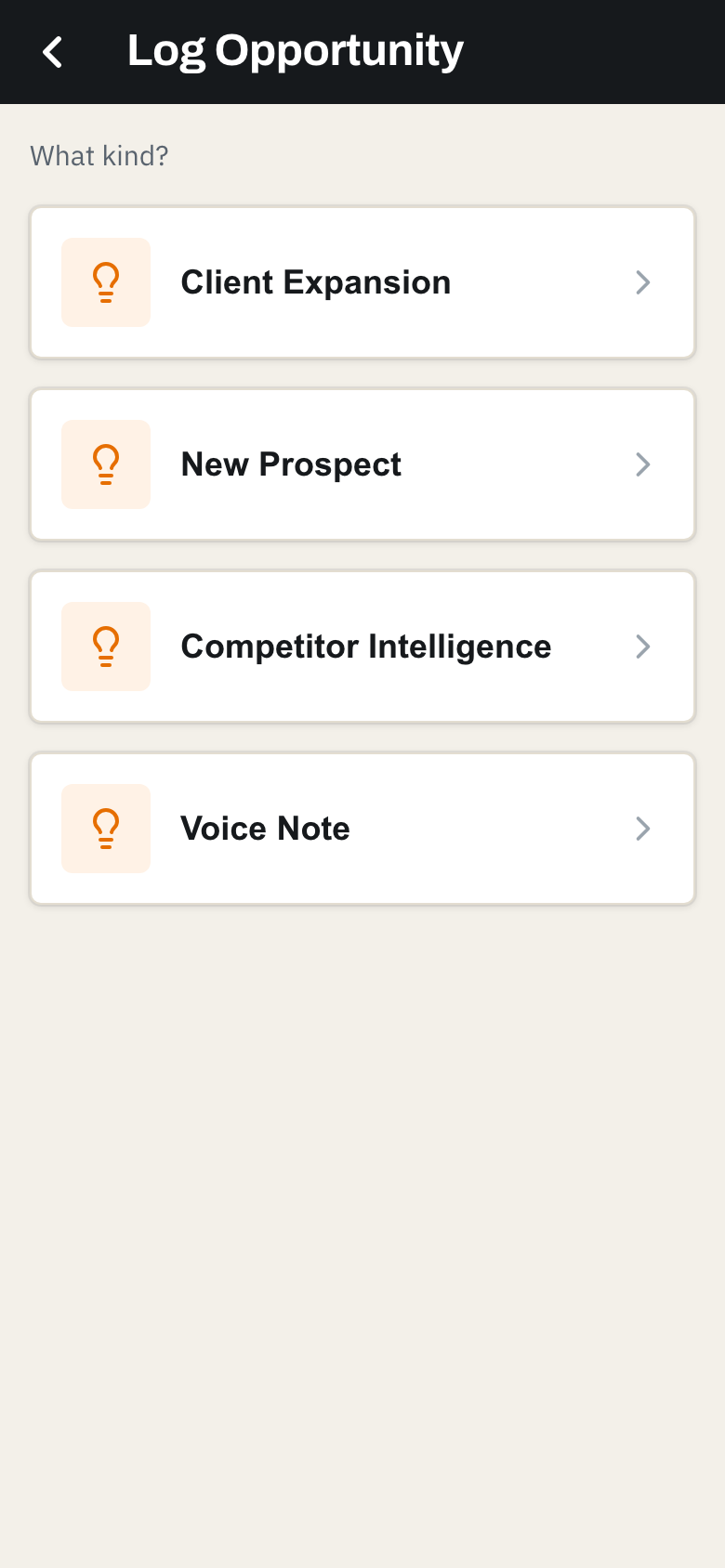
Pick what kind
Client expansion, new prospect, competitor intelligence, or a plain voice note. Each asks only what that kind of note needs.
- 4
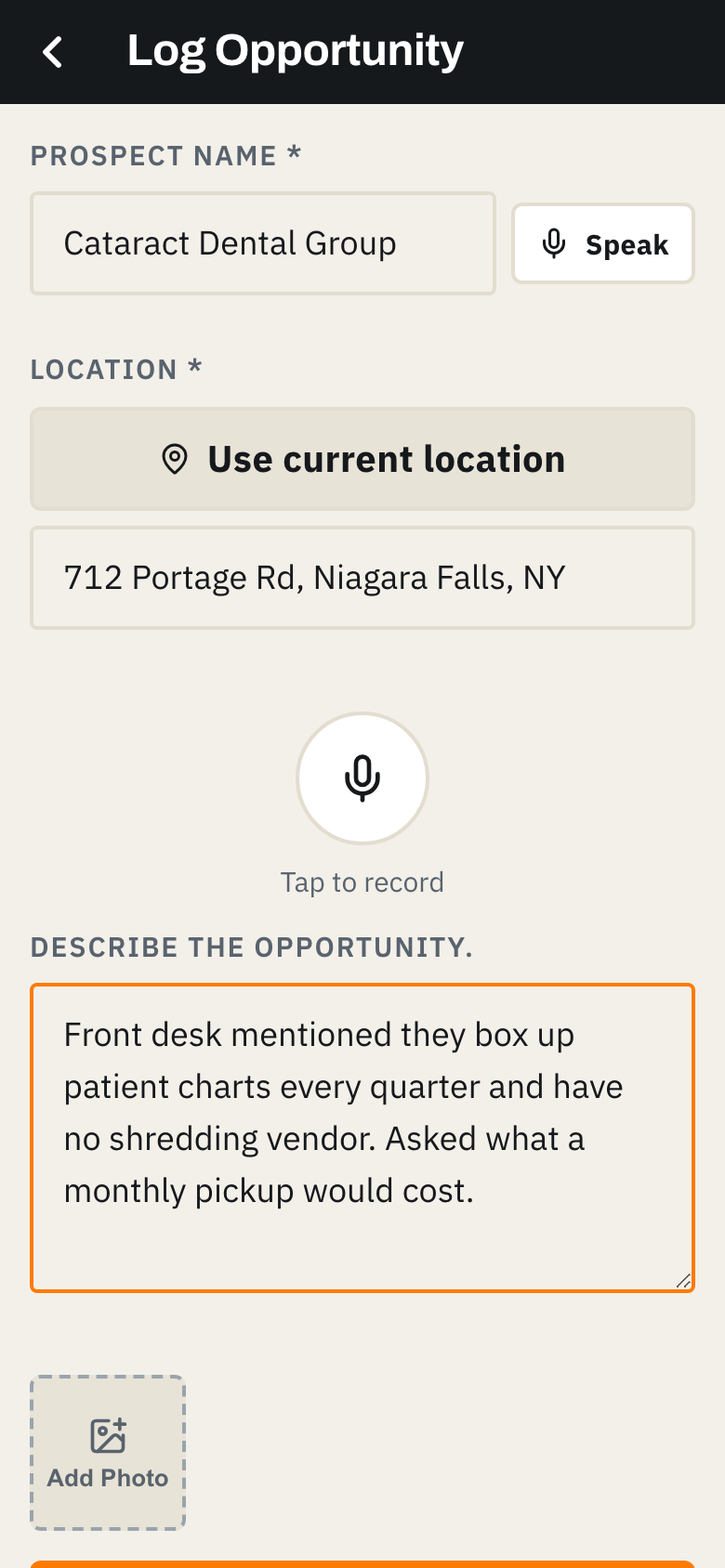
Speak it or type it
Name, location (one tap from GPS), and the note. Most people just hit record and talk; the transcript is editable before it goes.
- 5
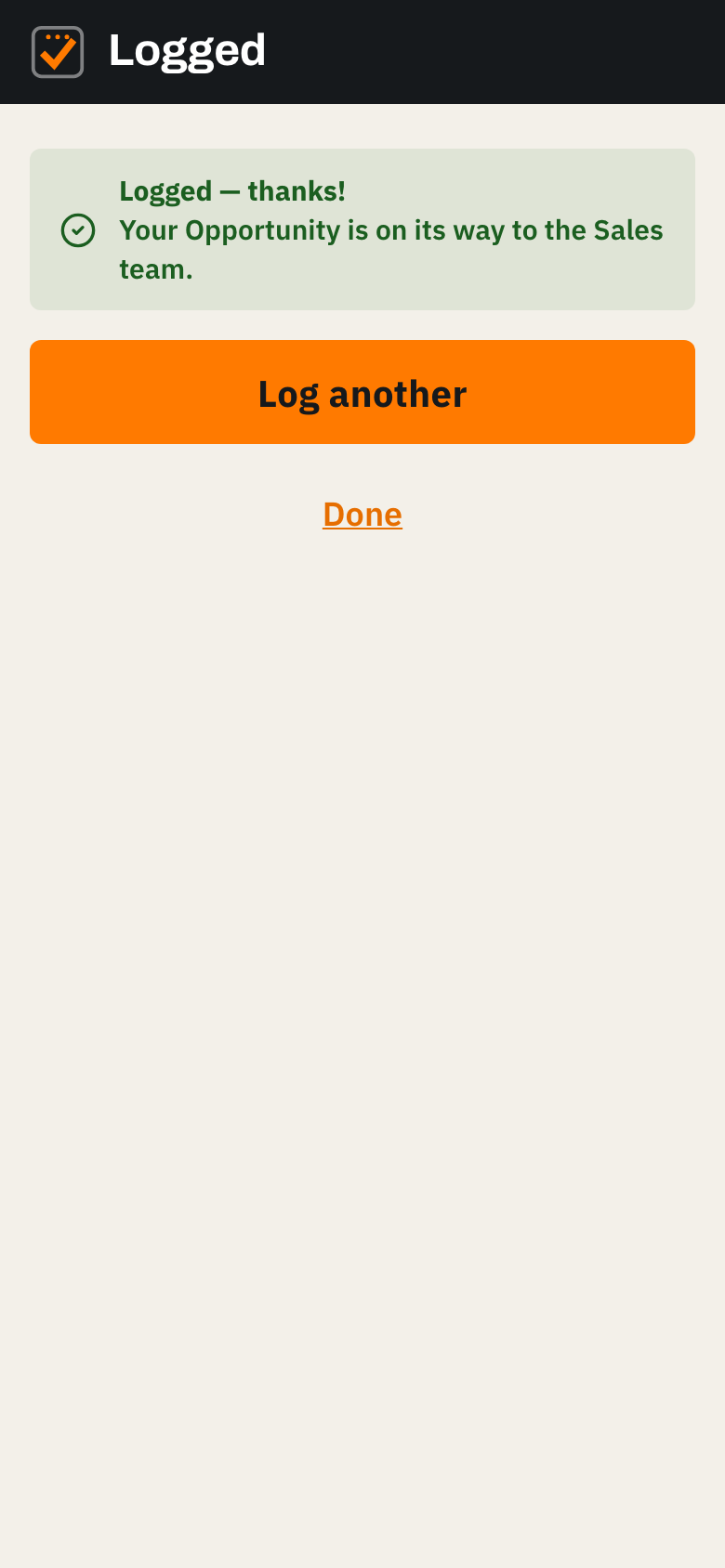
Sent to the right team
The note is summarized and emailed to whoever you set for that category: opportunities to sales, issues to service. The sender sees it confirmed and can check their recent notes anytime.
See it with your own trucks and your own crew.
A 20-minute walkthrough, then we set you up. Your drivers learn it in one morning.