Guide · For drivers
A driver's shift, start to finish.
This is the entire app as your drivers see it. No accounts, no passwords, no training manual. If they can text, they can run this. Screenshots below are the real product.
Morning routine: about 3 minutes · works offline
- 1
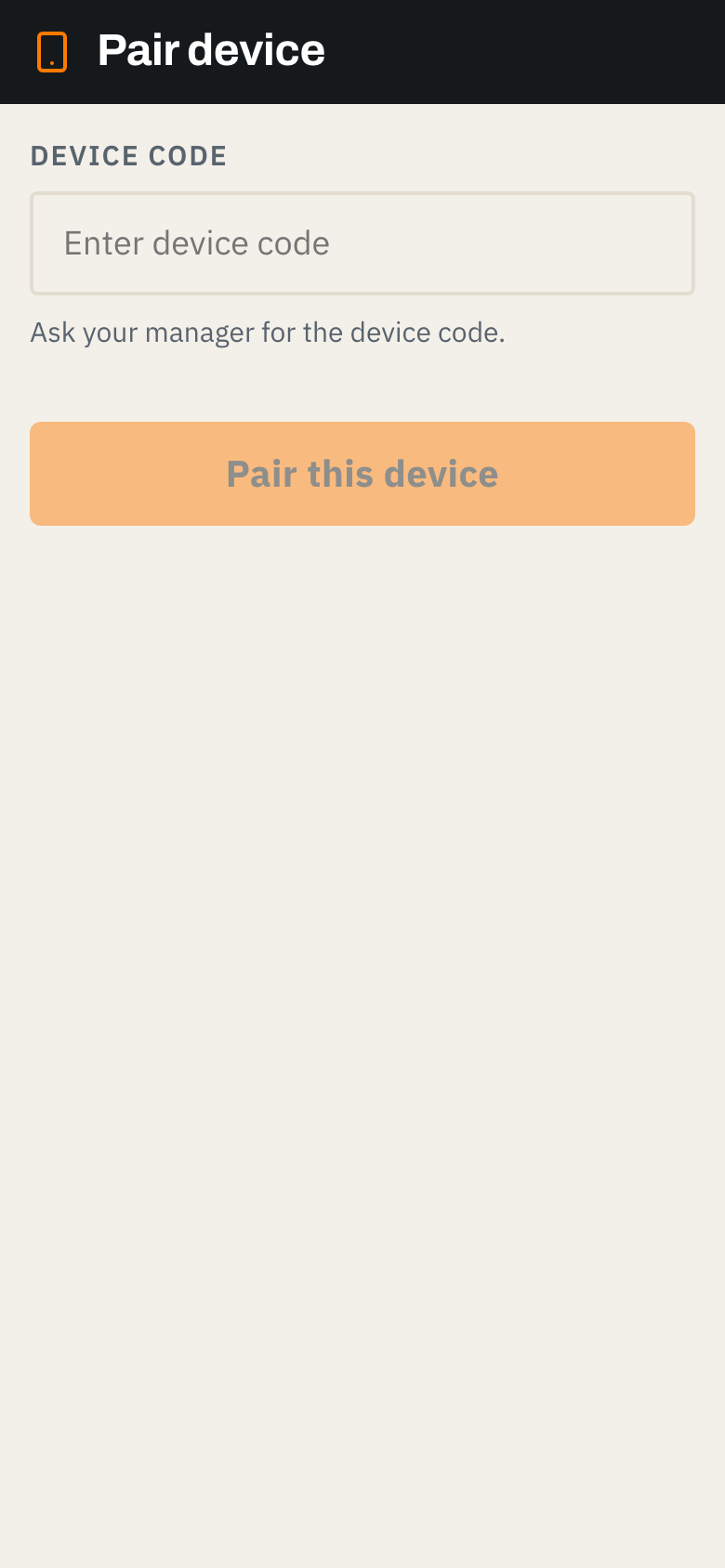
Pair the device once
You enroll the phone or cab tablet from the admin panel and hand the driver a one-time code. They paste it in once and the device is bound to your company. Nobody logs into anything after this. On Android it installs as a real app; on anything else it runs in the browser and pins to the home screen.
- 2
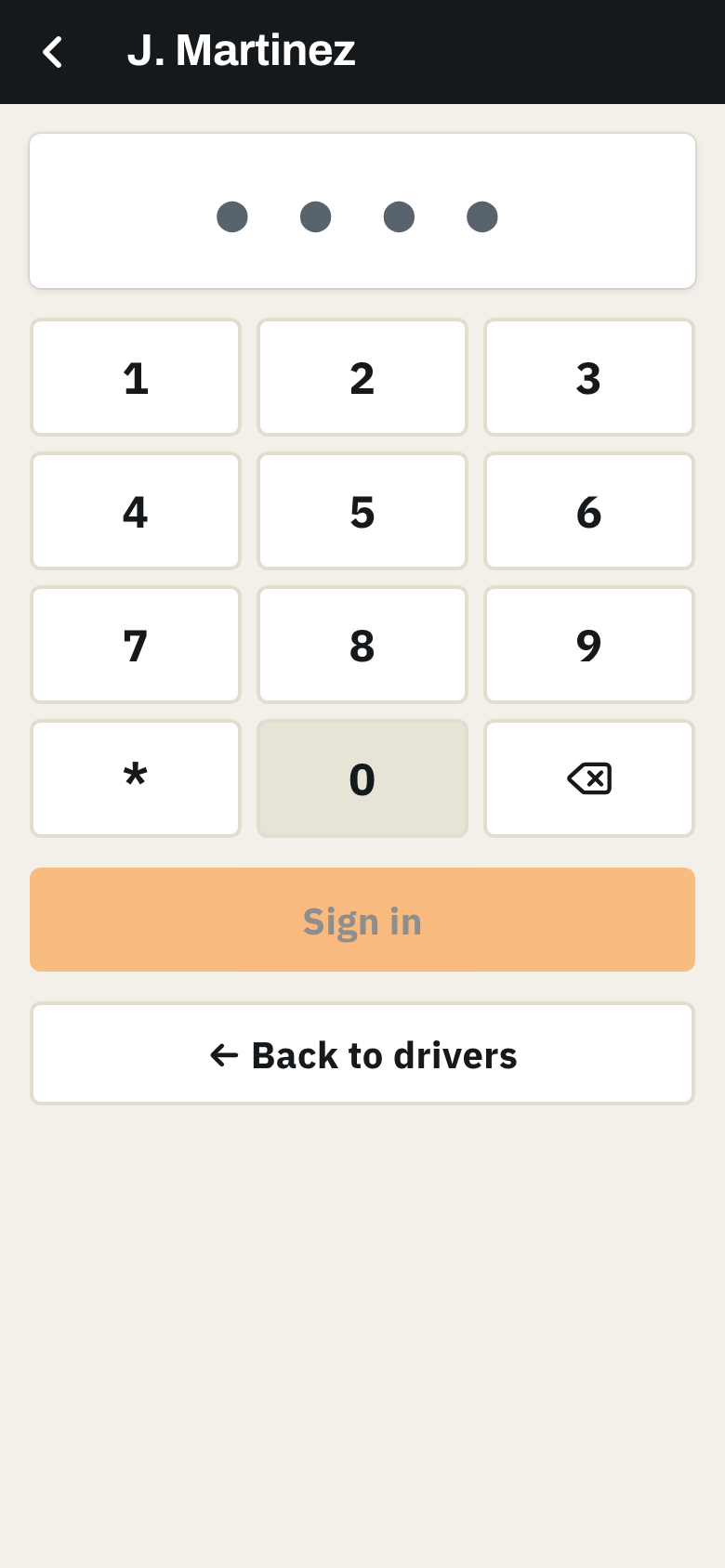
PIN in
The driver taps their name and enters their 4 to 6 digit PIN. That is the whole login. Every entry from here on is tied to that person, server-side, so records hold up.
- 3
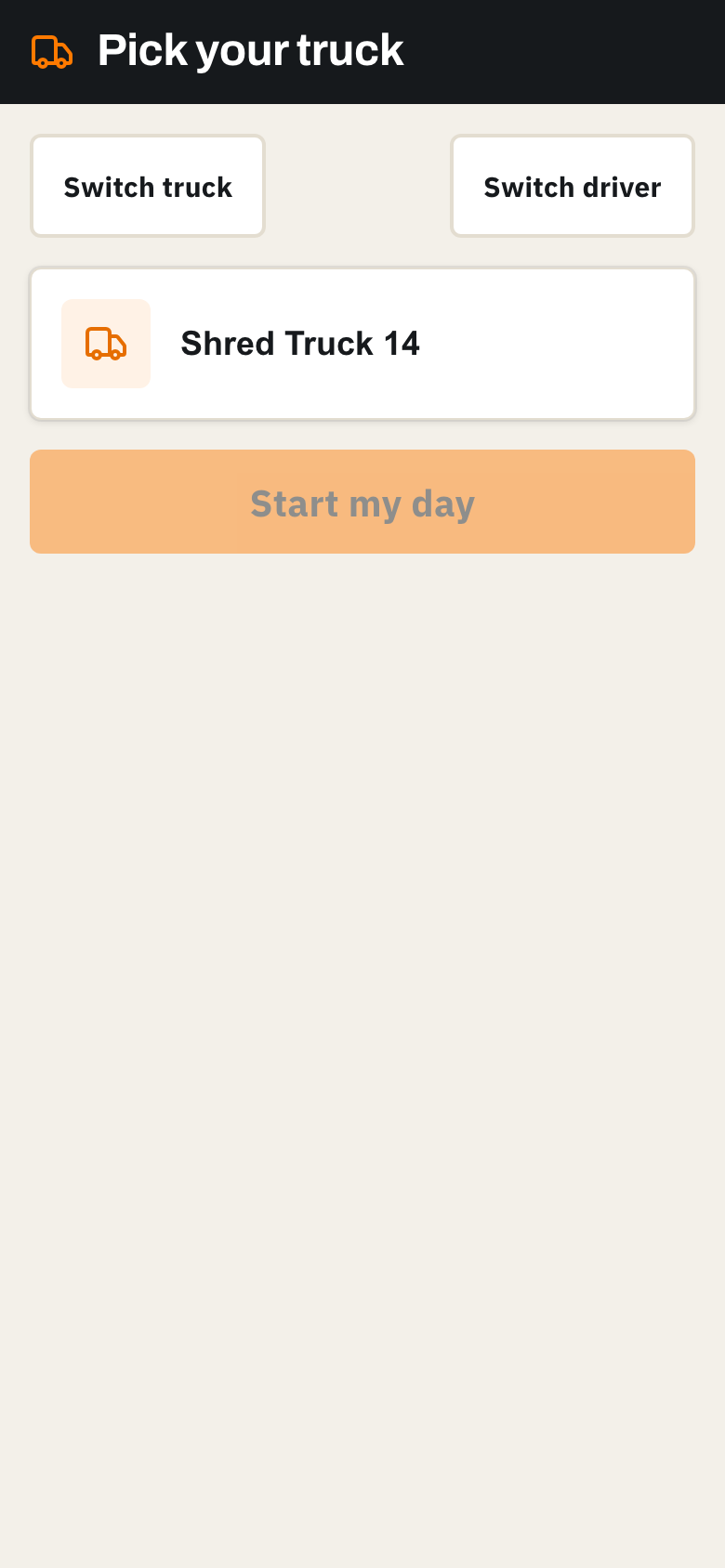
Confirm the truck and start the day
One tap to pick the truck, one tap to start the shift. If the truck has open defects from yesterday, the driver sees them right here before rolling.
- 4
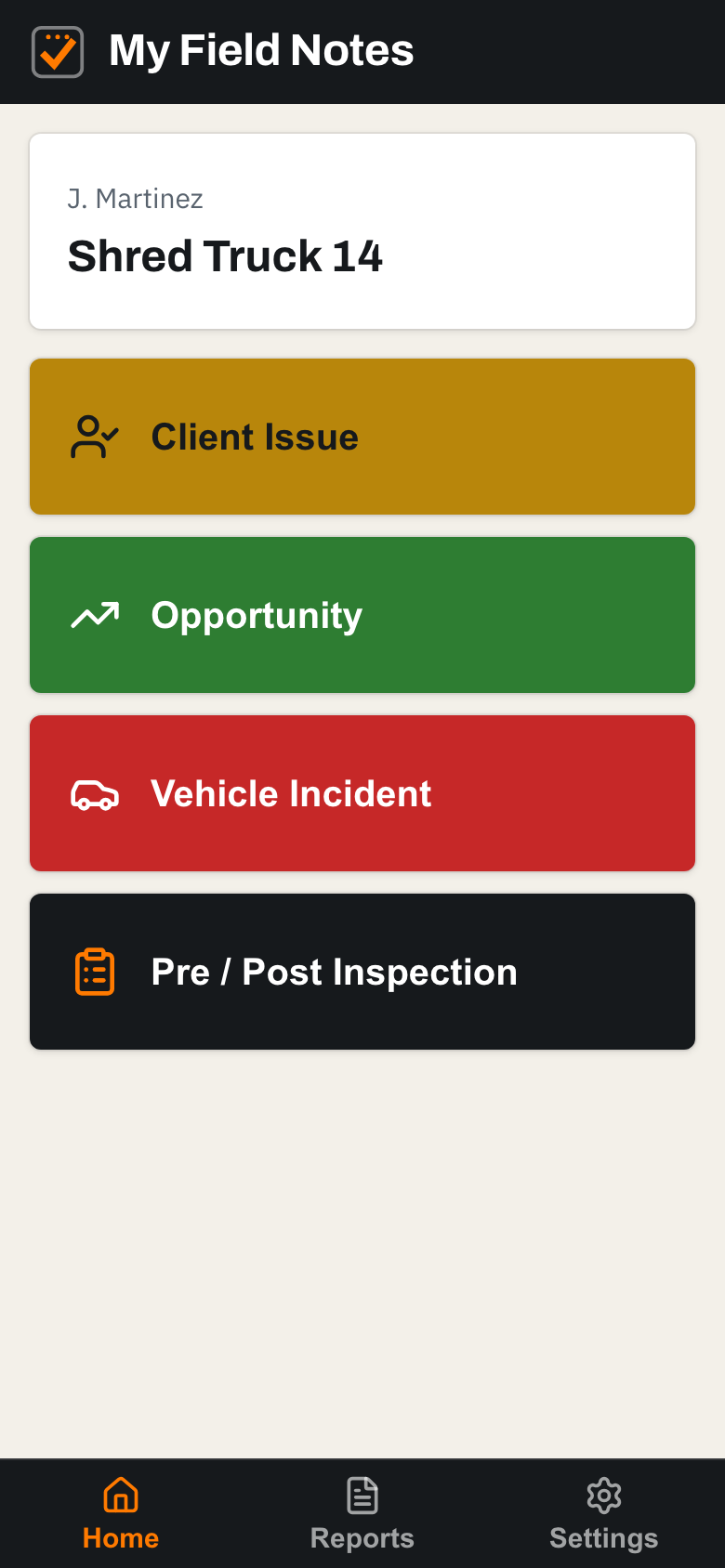
Home: everything one tap away
Four big buttons. The three field-note types on top, the inspection below. This is the whole app as your driver sees it.
- 5
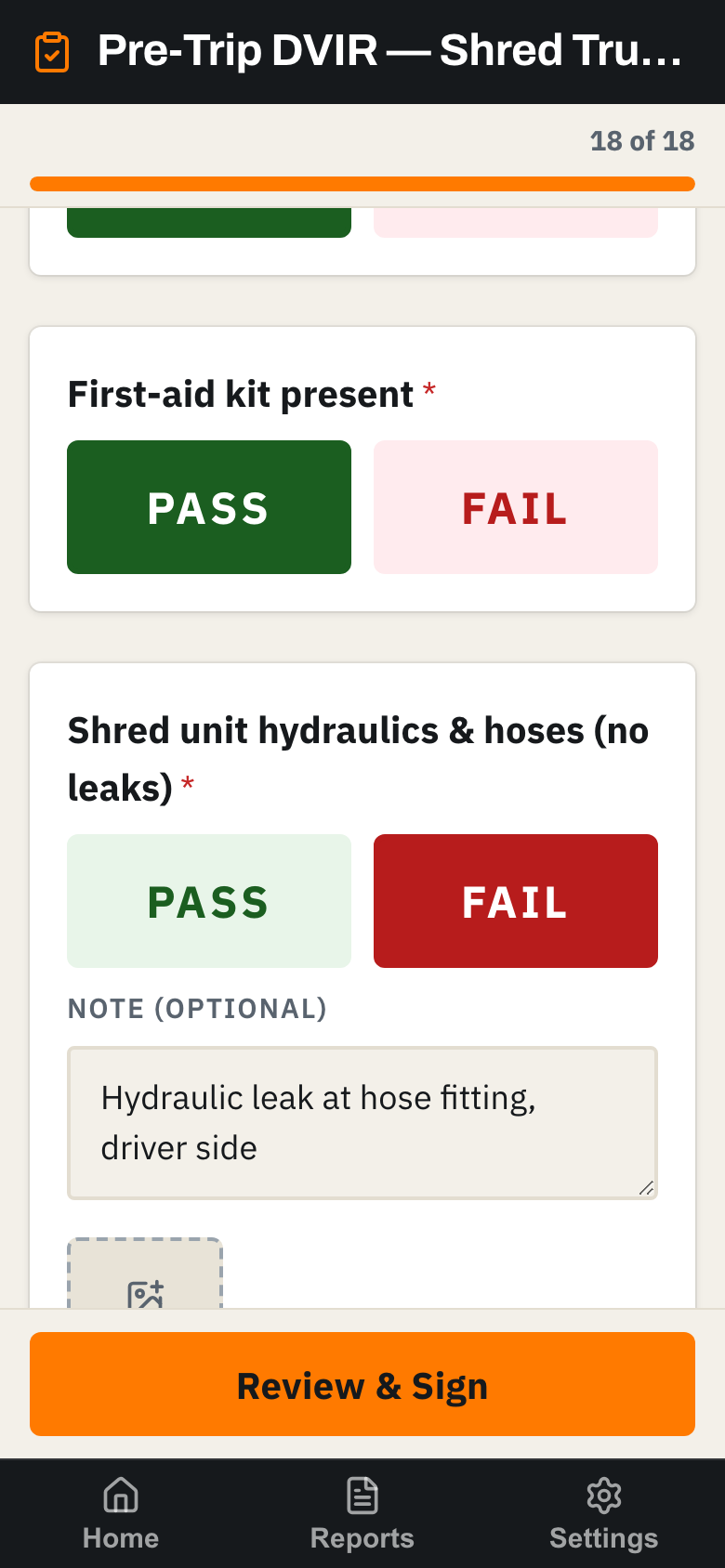
Run the pre-trip DVIR
Big PASS and FAIL buttons for each item, built for gloves and morning light. A failed item takes an optional note and photo and opens a defect automatically. Works with zero signal, photos included: everything is held on the phone and syncs when coverage returns.
- 6
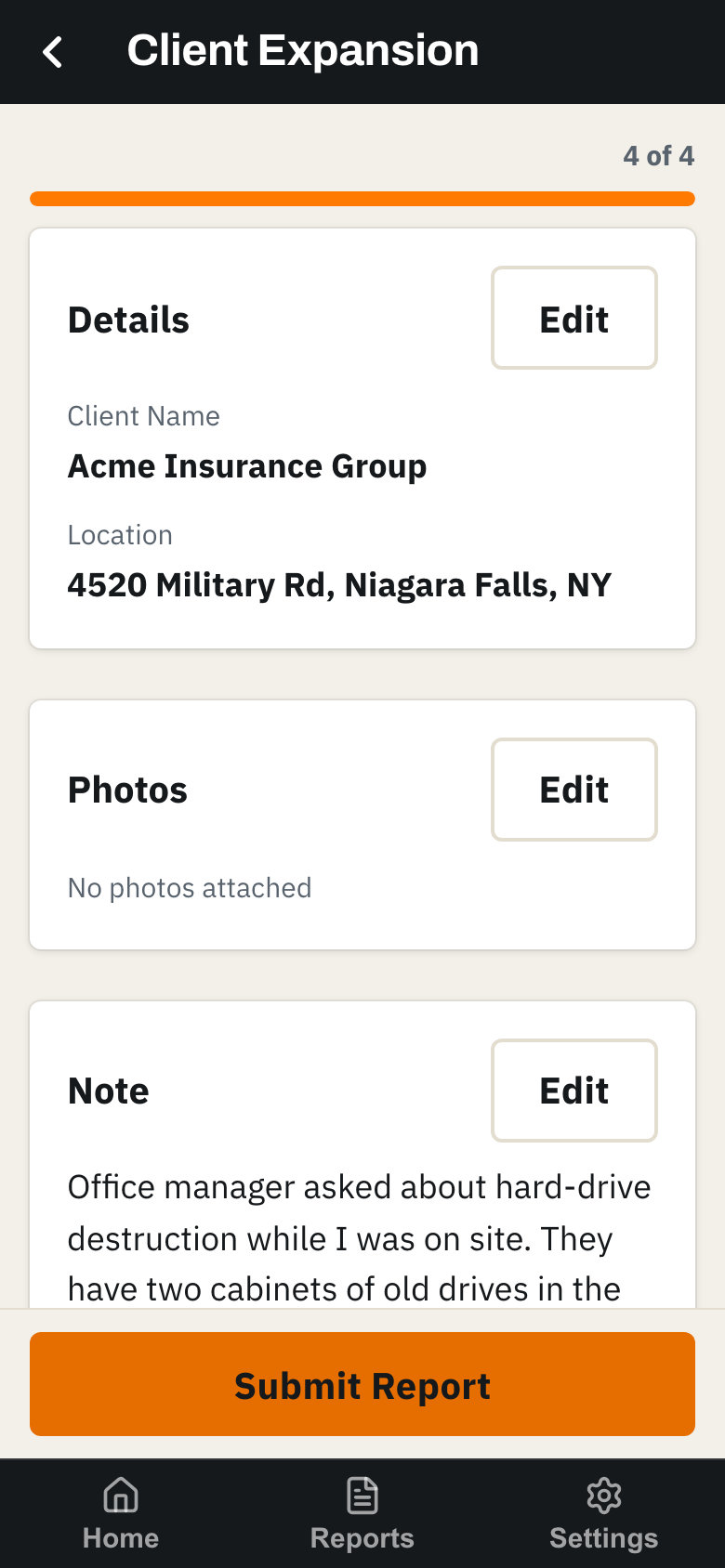
Log what they saw
A client asks about hard-drive destruction, a competitor truck is parked next door, a console is damaged. The driver taps the category, speaks or types a note, and reviews it. Takes under a minute, usually while still parked.
- 7
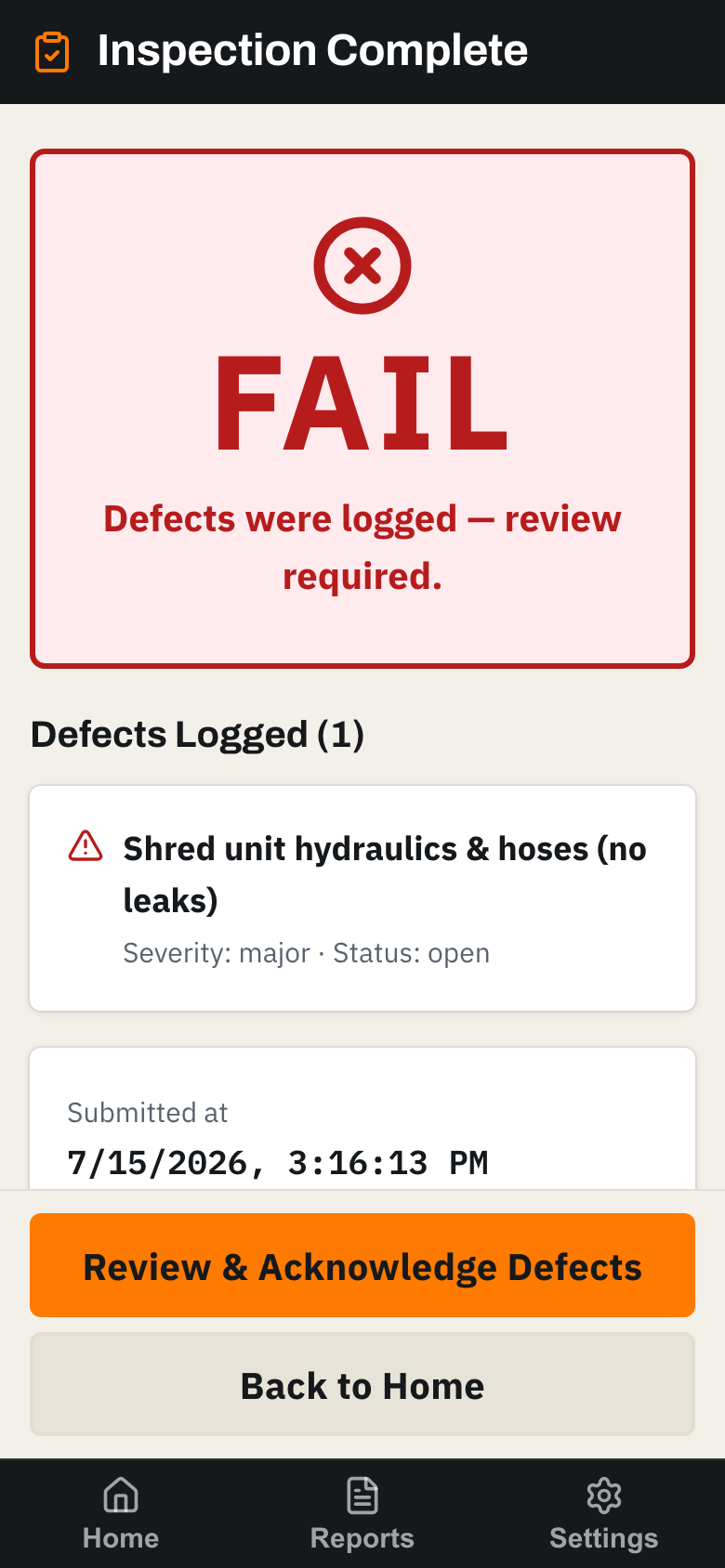
Submit. Done.
Signed, certified, immutable. Defects are logged for the shop, the report is on its way to the office, and the driver is back to work. The morning routine is about three minutes.
See it with your own trucks and your own crew.
A 20-minute walkthrough, then we set you up. Your drivers learn it in one morning.